




Tips for Creating a Relaxing and Productive Home Workspace
Creating a home workspace that is both relaxing and productive can greatly enhance your work-from-home experience. Whether you’re tackling daily tasks, joining video calls, or brainstorming your next project, your environment plays a crucial role in how effectively and comfortably you work. Here are some practical tips to help you set up a home office that supports your focus while keeping stress at bay.
1. Choose the Right Location
Find a Dedicated Space
Select an area in your home that can be dedicated solely to work. This separation helps your brain associate that space with productivity, making it easier to focus.
Consider Natural Light
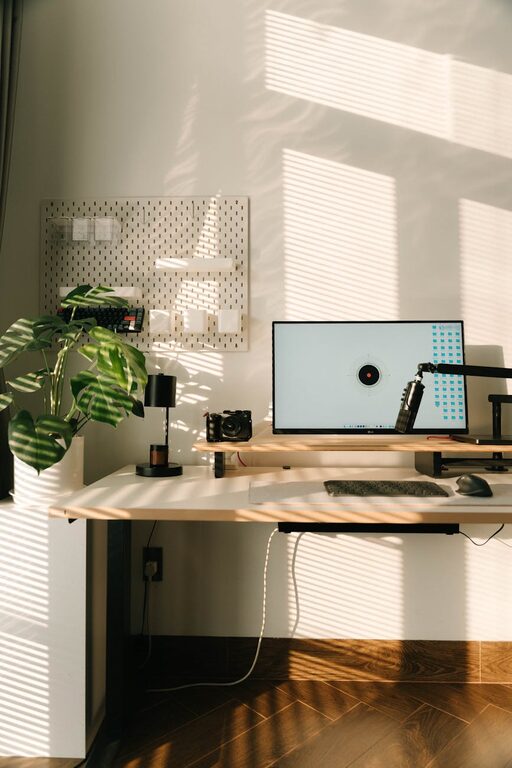
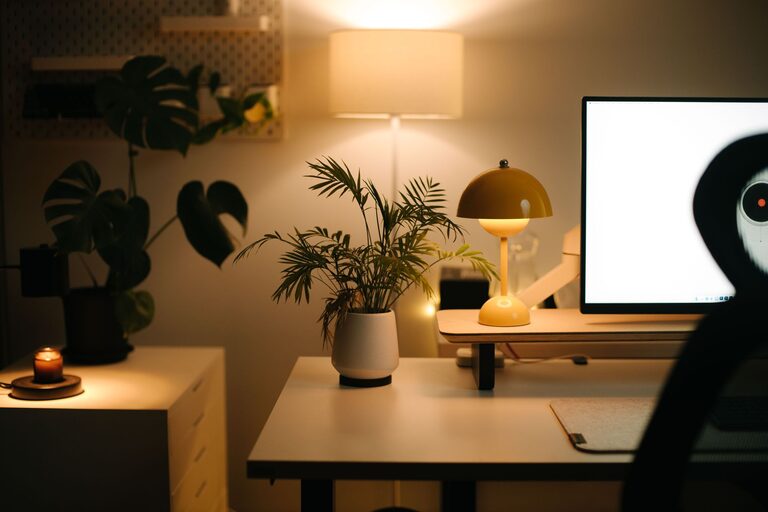
Position your desk near a window if possible. Natural light boosts mood and alertness, which can improve both comfort and output. If natural light is limited, invest in good-quality, adjustable lighting.
2. Invest in Comfortable Furniture
Select an Ergonomic Chair
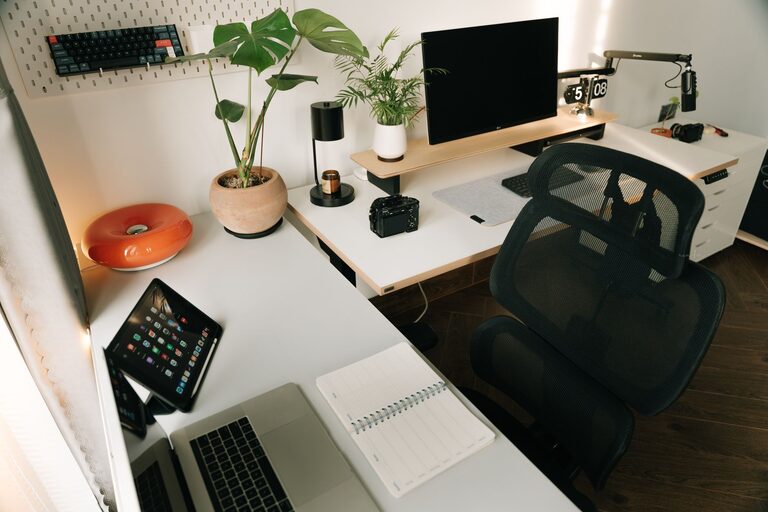
A supportive chair is essential. It helps maintain good posture and prevents back pain during long working hours. Look for adjustable features like height, armrests, and lumbar support.
Opt for a Suitable Desk
Choose a desk that fits your space and work style. Whether you prefer a large surface for spreading out or a compact setup, ensure it allows for comfortable arm positioning and enough room for your equipment.
3. Declutter and Organise
Keep Essential Items Handy
Limit your desk to items you frequently use. Pens, notebooks, and your computer should be within easy reach to avoid distractions and interruptions.
Use Storage Solutions
Shelves, drawers, and organisers help keep clutter off your desk. Label storage containers to find things quickly and maintain a tidy space.
4. Personalise Your Workspace
Add Calming Elements
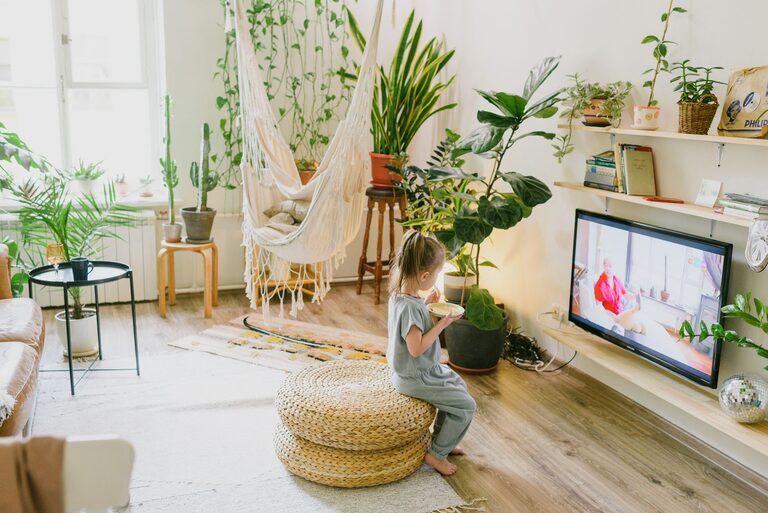
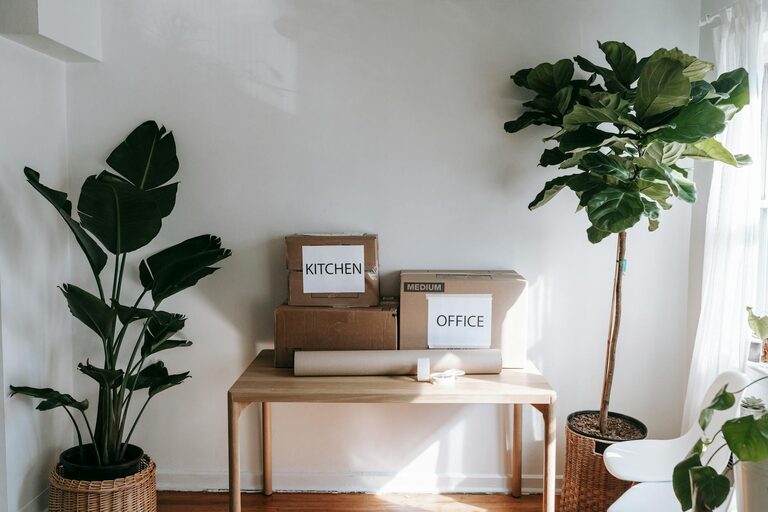
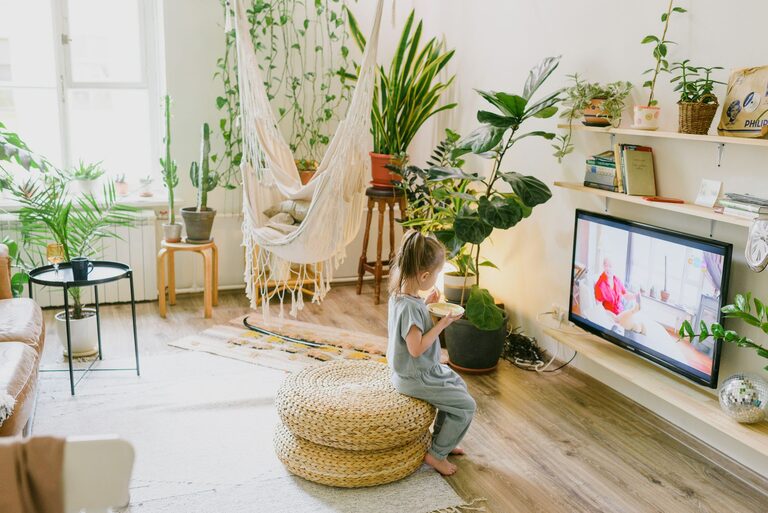
Incorporate plants, artwork, or photos that bring you joy and calmness. A touch of greenery can reduce stress and improve air quality.
Choose Relaxing Colours
Opt for soft, neutral colours or shades that inspire focus, such as blues and greens. Avoid overly bright or harsh colours that may cause visual fatigue.
5. Manage Noise Levels
Minimise Distractions
Use noise-cancelling headphones or play gentle background music to block out household sounds or outside noise.
Set Boundaries
If possible, let other household members know your working hours to reduce interruptions.
6. Optimise Technology and Equipment
Maintain a Reliable Internet Connection
A stable connection is vital for video calls and online tasks. Consider upgrading your router or using an Ethernet cable for better stability.
Keep Cables Organised
Use cable ties or clips to prevent wires from tangling. A tidy workspace is less distracting and safer.
7. Incorporate Movement and Breaks
Use a Timer or Break Reminders
Regular breaks help prevent burnout and keep you refreshed. The Pomodoro Technique, for example, encourages work intervals followed by short rests.
Consider a Standing Desk Option
Alternating between sitting and standing can reduce fatigue and improve circulation.
8. Maintain Good Air Quality and Temperature
Ventilate the Room
Fresh air keeps your mind alert and prevents stuffiness. Open windows regularly or use an air purifier.
Control Temperature and Humidity
Make sure the room is comfortably warm or cool and not too dry or humid, as extremes can distract you and affect concentration.
—
Final Thoughts
Crafting a workspace that balances productivity with relaxation takes a little planning, but the benefits are well worth the effort. By selecting the right location, investing in comfort, reducing distractions, and adding personal touches, you’ll create an environment where working from home feels both efficient and enjoyable. Remember, your space should work for you—adjust it as your needs change and keep it organised so you can stay focused and calm throughout your day.