






How to Create a Cosy and Productive Home Office
Working from home has become a common part of life for many people. Creating a home office that is both cosy and productive is key to making the experience enjoyable and effective. Whether you’re starting from scratch or looking to improve your current setup, these tips will help you design a workspace that feels comfortable yet encourages concentration and efficiency.
Choose the Right Location
Find a Quiet Spot
Select a part of your home away from high-traffic areas and distractions. A quiet corner or a spare room works best to avoid interruptions.
Natural Light Matters
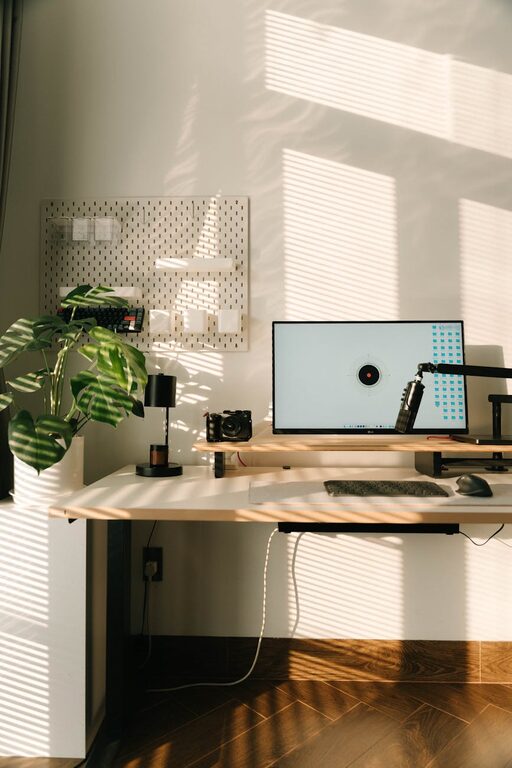
Try to position your desk near a window if possible. Natural light improves mood and reduces eye strain, making your working hours easier to manage.
Consider Your Commute
Even though you’re working at home, having a clear separation between your workspace and living areas helps keep work and home life balanced.
Invest in Comfortable Furniture
Ergonomic Chair
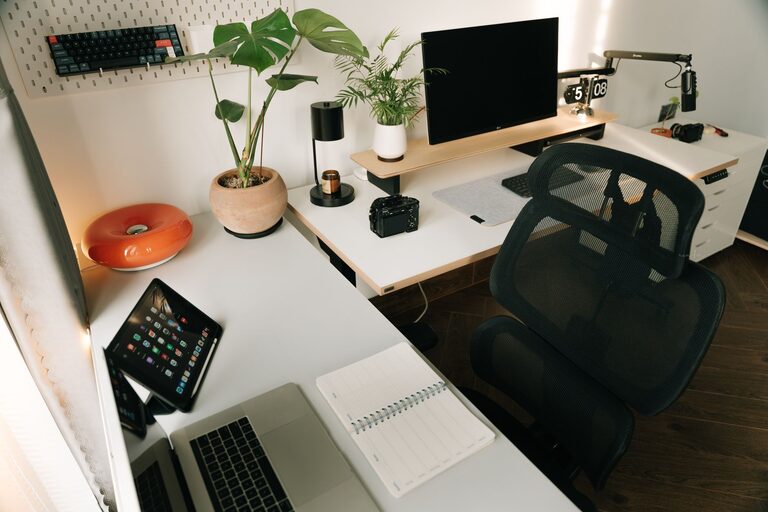
A good, supportive chair is essential. Sitting for hours can affect your posture and health, so choose one that supports your back well.
Desk at the Right Height
Your desk should allow you to keep your arms at a 90-degree angle while typing. Adjustable desks or sit-stand options can offer flexibility and comfort.
Add Soft Elements
Include a cushion or a footrest if it helps you stay comfortable during long working sessions.
Keep It Organised
Declutter Regularly
A tidy desk helps clear your mind and keeps you focused. Remove unnecessary items and keep only essentials within reach.
Use Storage Solutions
Drawers, shelves, and organisers can keep paperwork and office supplies neatly stored. This reduces distractions and saves time looking for things.
Cable Management
Use clips or ties to keep wires orderly. Tangled cables can be frustrating and visually distracting.
Create a Personal and Pleasant Atmosphere
Add Personal Touches
Include items that make you happy and motivated, like photos, plants, or artwork. These can make your workspace more inviting.
Choose Soothing Colours
Use colours that help you feel calm and focused. Soft neutrals, blues, or greens often create a relaxing backdrop.
Control Lighting
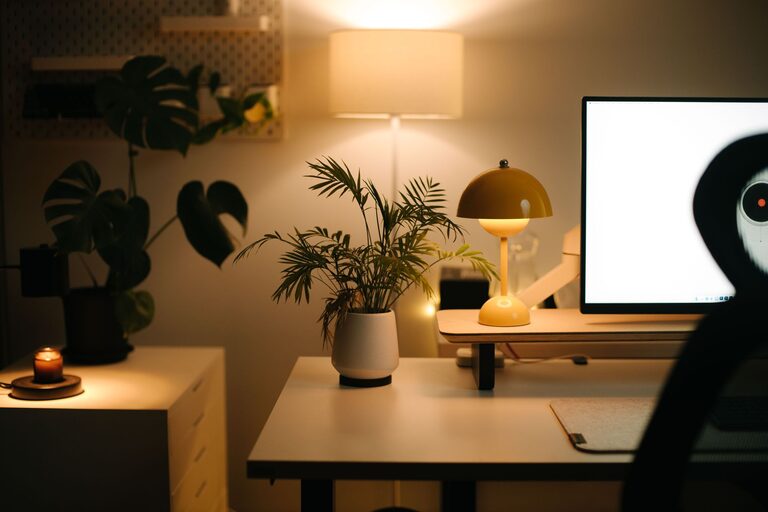
Besides natural light, add a good desk lamp with adjustable brightness. Avoid harsh overhead lighting that can tire your eyes.
Embrace Technology
Reliable Internet Connection
Ensure your internet is fast and stable. Nothing is more frustrating than interruptions during video calls or important tasks.
Good Quality Equipment
Invest in a decent computer, keyboard, and mouse. Headphones with a microphone can improve sound quality during virtual meetings.
Use Productivity Tools
Apps and software for task management, calendar organisation, and note-taking can help keep you efficient and on track.
Set Boundaries and Routine
Define Your Working Hours
Establish clear start and finish times to create a work-life balance. Communicate these boundaries to family or housemates.
Take Regular Breaks
Short breaks improve concentration. Stand up, stretch, or take a quick walk to refresh your mind and body.
Set Goals
Begin each day by setting achievable goals. This keeps your workload manageable and provides a sense of accomplishment.
Maintain Air Quality and Comfort
Ventilate Your Space
Fresh air helps prevent fatigue. Open windows regularly or use an air purifier if needed.
Control Temperature
Ensure your workspace is neither too hot nor too cold. Use fans or heaters as necessary to keep the environment comfortable.
Add Plants
Indoor plants not only purify the air but also add a calming presence to your space.
—
Creating a cosy and productive home office is about combining comfort with function. By paying attention to your environment, equipment, and habits, you can build a workspace that supports your wellbeing and helps you do your best work every day. Remember, small improvements can make a big difference. Happy working!