



Tips for Creating a Productive Home Office Environment
Creating a productive home office environment is essential for anyone working remotely or freelancing. A well-designed workspace can help you focus better, reduce distractions, and improve your overall work quality. This guide offers practical tips to help you design a home office that balances comfort, organisation, and efficiency.
Choose the Right Location
Choosing the right spot in your home for your office is the first step to productivity. Ideally, select a quiet area with minimal foot traffic. Natural light is also important as it boosts mood and alertness, so a room with a window is preferable.
If space is limited, consider using a corner of a room, a spare closet, or even a partitioned section of your living room. The key is to have a dedicated area that mentally separates work from leisure.
Invest in Comfortable Furniture
Comfort is crucial when spending long hours at your desk. Here’s what to focus on:
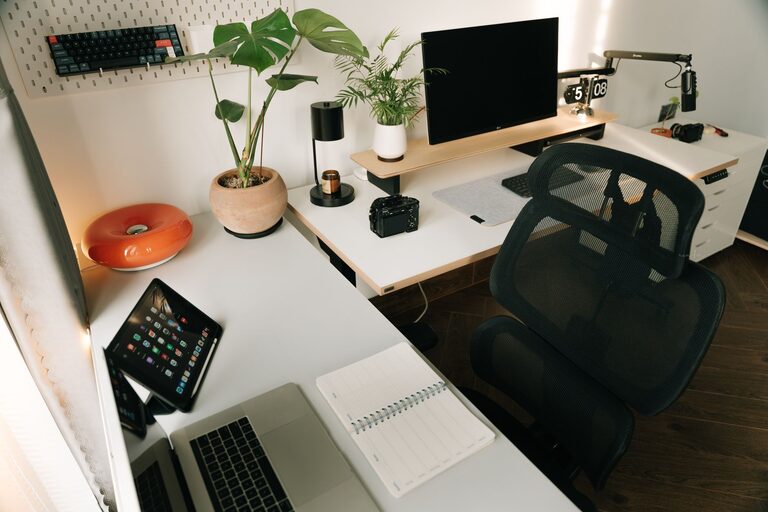
– Ergonomic chair: Invest in a chair with good lumbar support and adjustable height to maintain proper posture.
– Desk: Choose a desk that fits your space and offers enough room for your computer, paperwork, and other essentials.
– Monitor and keyboard: Position your computer monitor at eye level and use an external keyboard and mouse for better ergonomics.
Your furniture selection can prevent physical discomfort and boost your stamina throughout the day.
Optimise Lighting
Proper lighting reduces eye strain and keeps you alert. Use a combination of natural and artificial lighting:
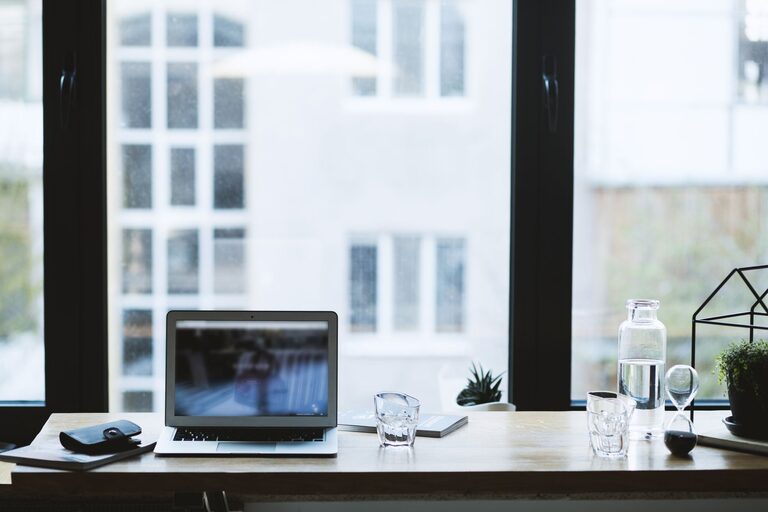
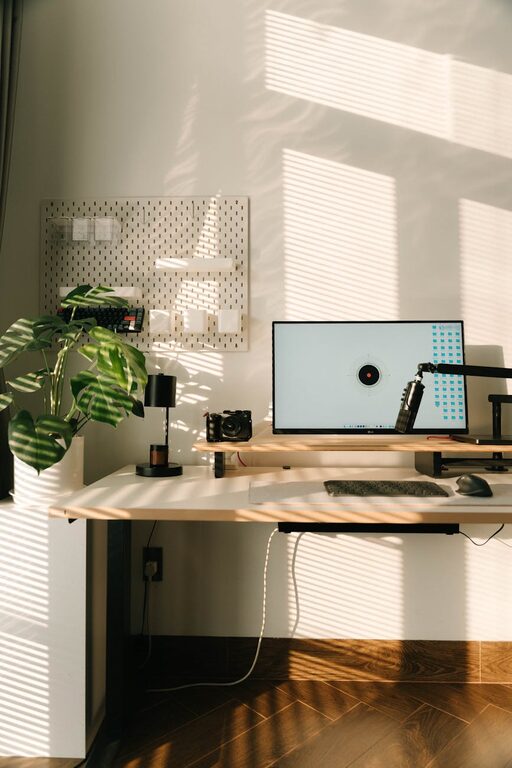
– Natural light: Position your desk near a window but avoid glare on your screen.
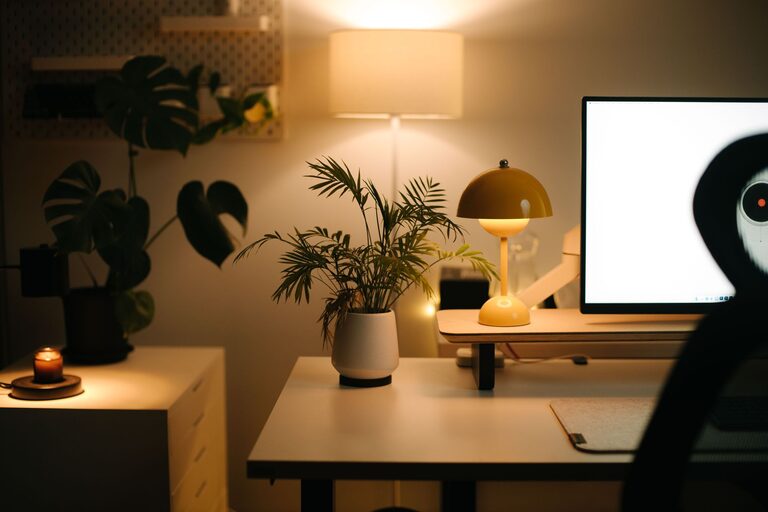
– Task lighting: An adjustable desk lamp can provide focused light for reading or detailed work.
– Ambient lighting: Soft overhead lighting helps to feel comfortable without harsh shadows.
Avoid working in dimly lit areas to prevent fatigue and headaches.
Keep Your Workspace Organised
A tidy workspace fosters a clear mind. Here are some organisation tips:
– Use cable organisers to keep wires neat.
– Store paperwork in labelled files or trays.
– Keep only essential items on your desk.
– Use shelves or storage boxes to maximise vertical space.
Regularly declutter your workspace to maintain an inspiring and efficient area.
Minimise Distractions
Reducing distractions helps you maintain concentration. Try the following strategies:
– Close unnecessary tabs and apps on your computer.
– Use noise-cancelling headphones or play gentle background music to block out noise.
– Inform family or housemates of your working hours.
– Turn off phone notifications or keep your phone out of sight during work periods.
Creating clear boundaries between work and home life supports focus and productivity.
Personalise Your Space
While keeping the workspace functional, adding personal touches can make it pleasant and motivating. Consider:
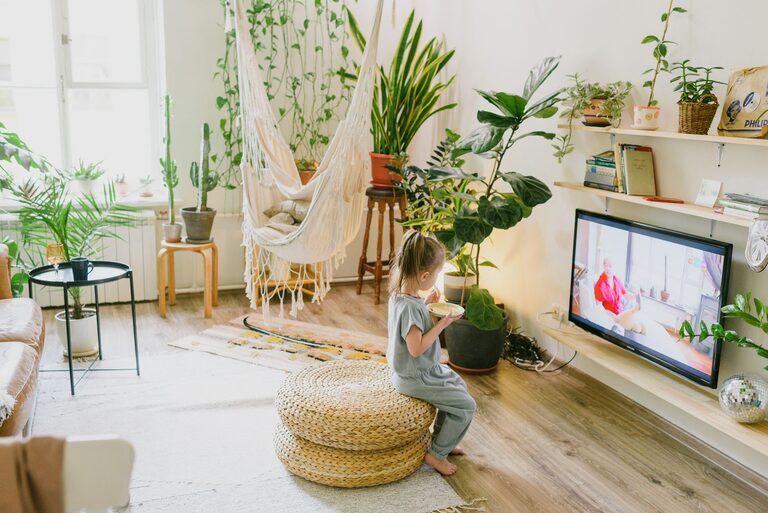
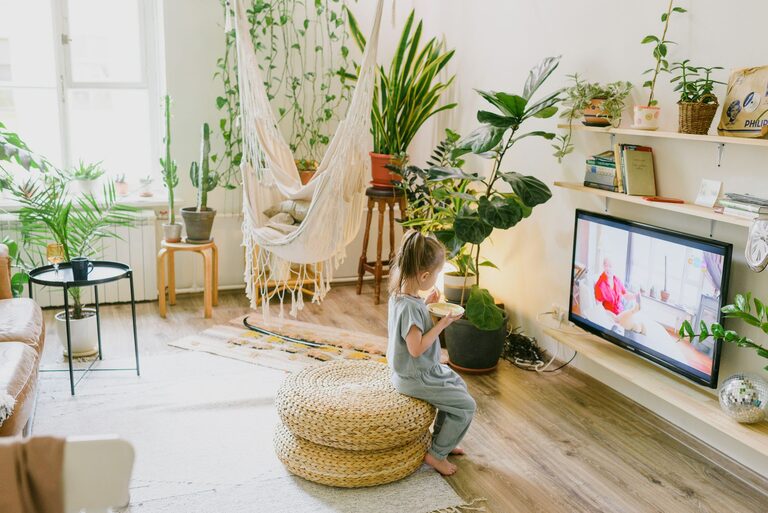
– Adding a plant or two for fresh air and a pop of colour.
– Hanging artwork or photos that inspire you.
– Using colourful stationery or desk accessories.
A welcoming environment encourages creativity and positivity.
Set Up Technology Efficiently
Reliable technology is vital for seamless work. Ensure you have:
– A strong internet connection.
– Updated computer software and hardware.
– Backup solutions such as cloud storage or external drives.
Regular maintenance avoids disruptions and stress from technical issues.
Maintain Healthy Habits
Finally, your home office productivity depends on your well-being. Incorporate these habits:
– Take regular breaks away from screens.
– Stretch or do light exercises during your breaks.
– Stay hydrated and have healthy snacks nearby.
– Set a consistent start and finish time to balance work and rest.
Good habits promote sustained concentration and prevent burnout.
—
By thoughtfully designing your home office with these tips, you can create a space that supports your best work. A productive environment isn’t about perfection but about meeting your needs to work comfortably and efficiently. Take small steps today to improve your setup, and you’ll likely see a positive difference in your focus and output.